
- Version
- Download 112
- File Size 2.29 MB
- File Count 2
- Create Date October 25, 2024
- Last Updated November 10, 2026
Video/Camera Control Cable ‘RS485’ driver
UPDATE:
UPDATE:CDM-v2.12.36.20-WHQL-Certified.zip is the latest compatible driver.
https://ftdichip.com/drivers/vcp-drivers/
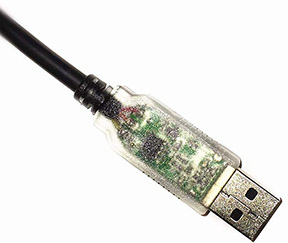
The RS485 driver CDM21228_Setup.exe is required for the PathCam HD camera only.
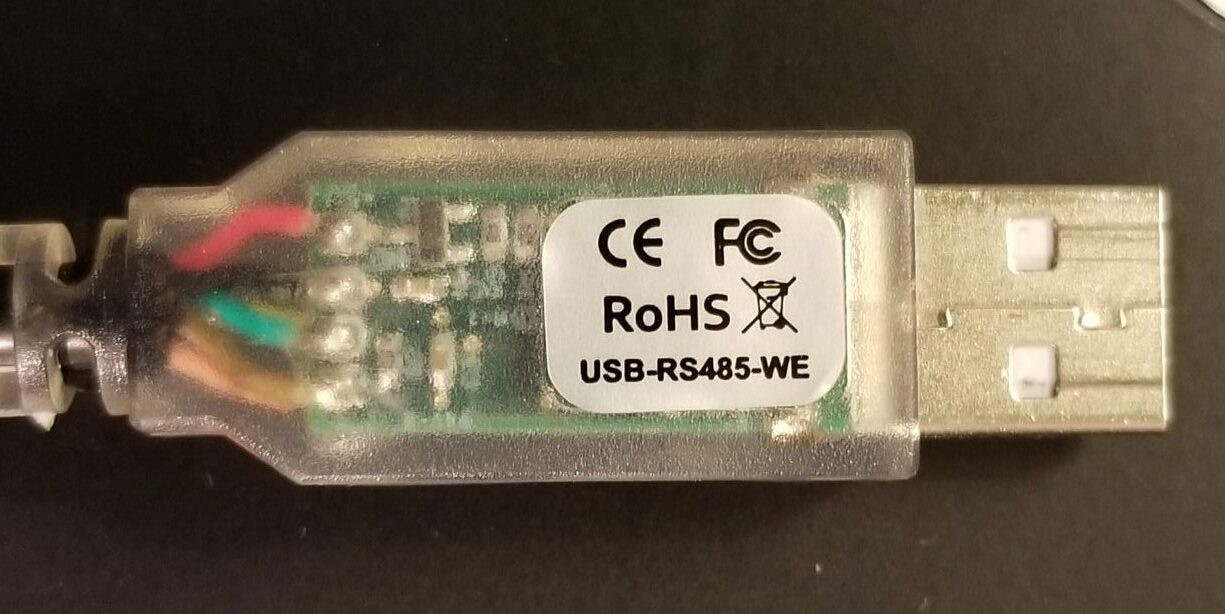
To install unplug the USB Camera Control (RS485) Cable (it has a clear USB End).
Download the RS485 Driver installer, run it, and then plug-in USB Camera Control cable.
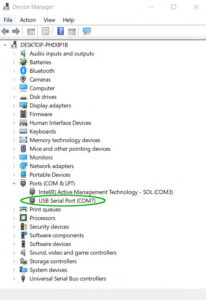
Next, open Device Manager and look for the “USB Serial Port (COMx)” entry under Ports (COM & LPT)
.
Note the assigned COM port number and open the PathCam Software, click Acquire in PathCam STUDIO, once in PathCam CAPTURE go to Settings/Camera/Camera Control Cable and select the COM port number assigned in the Device Manager (see below).
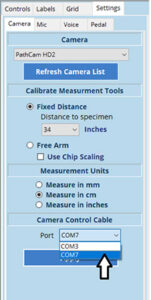
Click Apply. Exit out of PathCam Software entirely and restart.